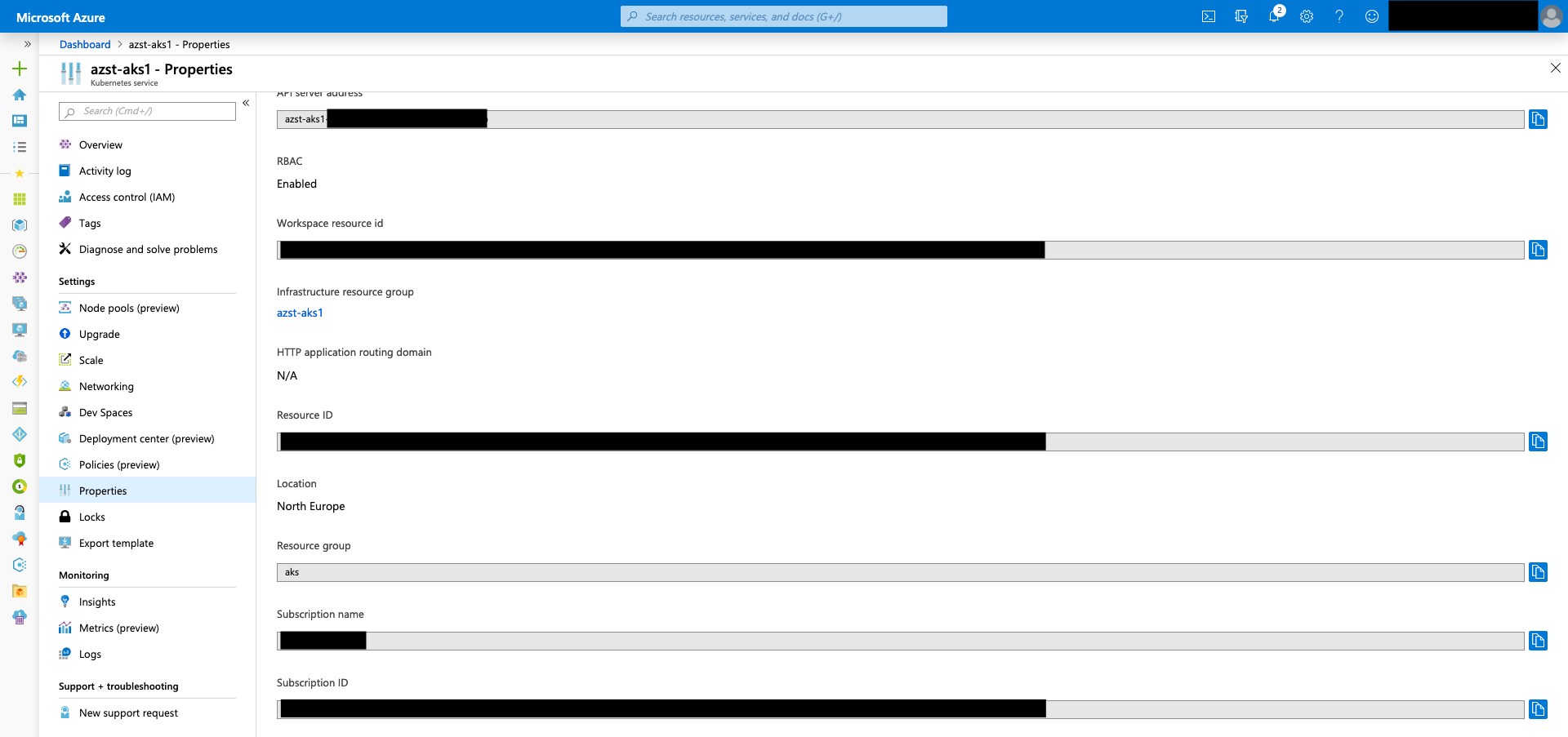
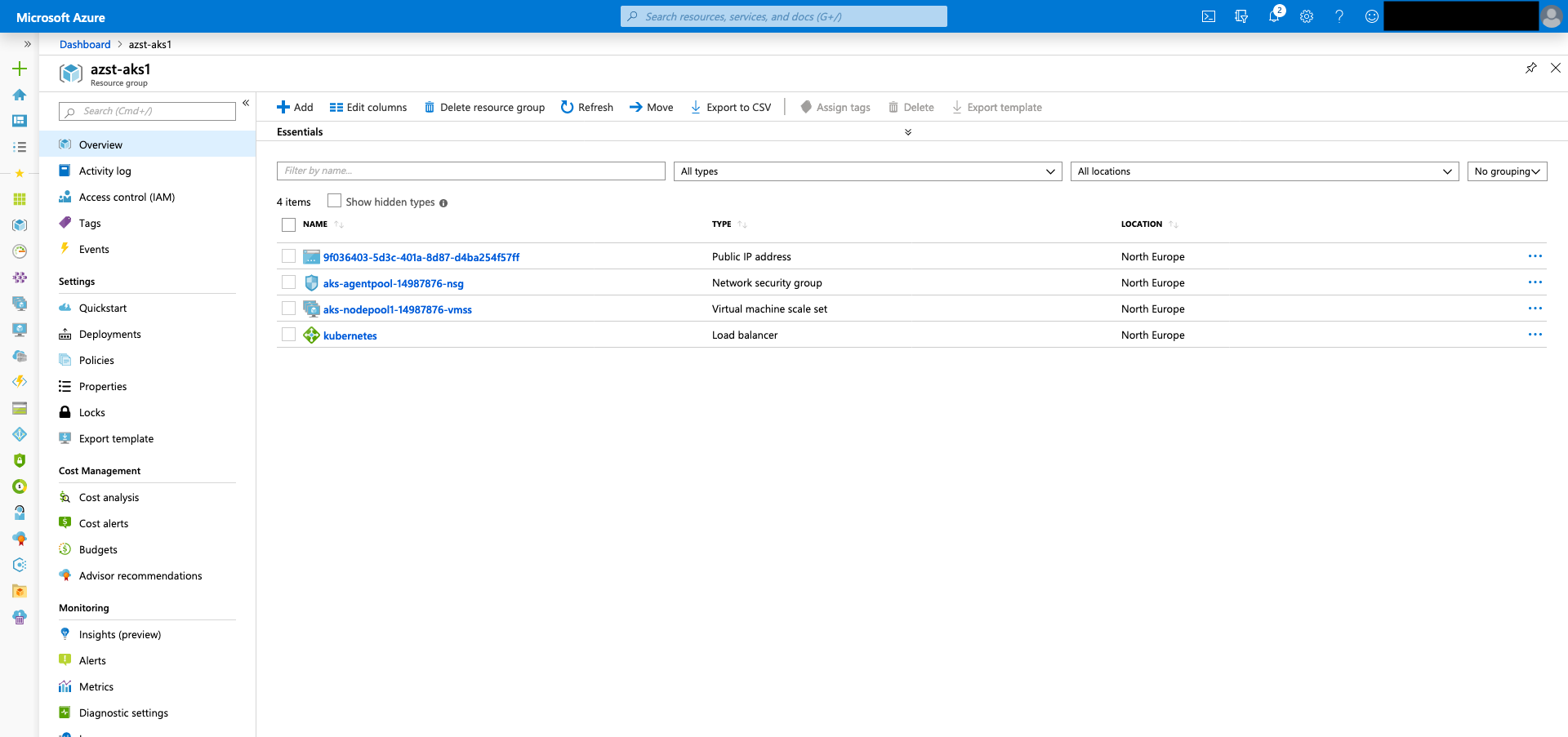
When you deploy an Azure Kubernetes Service cluster in Azure a second resource group gets created for the worker nodes. Per default the resource group has the following naming schema MC_resourcegroupname_clustername_location.
In most cases this naming schema collides with a naming convention already in place for the company’s Azure environment.
A common question since AKS hit the market is, if it is possible to provide a custom name for the AKS node resource group?
The answer is yes. Even this capability is well hidden in the Azure Kubernetes Service FAQ section.
At the moment you can specify the name, when creating an AKS cluster with the aks-preview Azure CLI extension, an ARM template or Terraform.
Just have a look at the following examples to get yourself started.
Azure CLI:
az aks create --name azst-aks1 --resource-group aks --node-resource-group azst-aks1
Azure Resource Manager templates:
...
  "resources": [
    {
      "apiVersion": "[variables('apiVersion').aks]",
      "type": "Microsoft.ContainerService/managedClusters",
      "name": "[variables('aksCluster').clusterName]",
      "location": "[variables('aksCluster').location]",
      "properties": {
        "nodeResourceGroup": "[variables('aksCluster').clusterName]",
        "kubernetesVersion": "[variables('aksCluster').kubernetesVersion]",
        "enableRBAC": true,
...
Terraform:
...
resource "azurerm_kubernetes_cluster" "k8s" {
  name                = var.cluster_name
  location            = azurerm_resource_group.k8s.location
  resource_group_name = azurerm_resource_group.k8s.name
  dns_prefix          = var.dns_prefix
  kubernetes_version  = var.kubernetes_version
  node_resource_group = var.cluster_name

  linux_profile {
    admin_username = var.admin_username

    ssh_key {
      key_data = data.azurerm_key_vault_secret.ssh.value
    }
  }

  agent_pool_profile {
    name               = "nodepool1"
...
-> https://www.terraform.io/docs/providers/azurerm/r/kubernetes_cluster.html#node_resource_group
Afterwards your worker nodes reside in the custom-named node resource group.