Azure Data Explorer offers several configuration options to restrict the network access to and from an Azure Data Explorer cluster.
-> https://learn.microsoft.com/en-us/azure/data-explorer/security-network-restrict-public-access
-> https://learn.microsoft.com/en-us/azure/data-explorer/security-network-restrict-outbound-access
Today, we look into the options that still allow us to reach the Azure Data Explorer from the outside world and prevent data exfiltration by restricting the outbound access.
Prevent data exfiltration
Let us start with the outbound access restrictions to prevent data exfiltration attempts.
When we do not have any external dependencies like an external table or an Azure Event Hub, we set the option “Restrict outbound access” to enabled and are done.
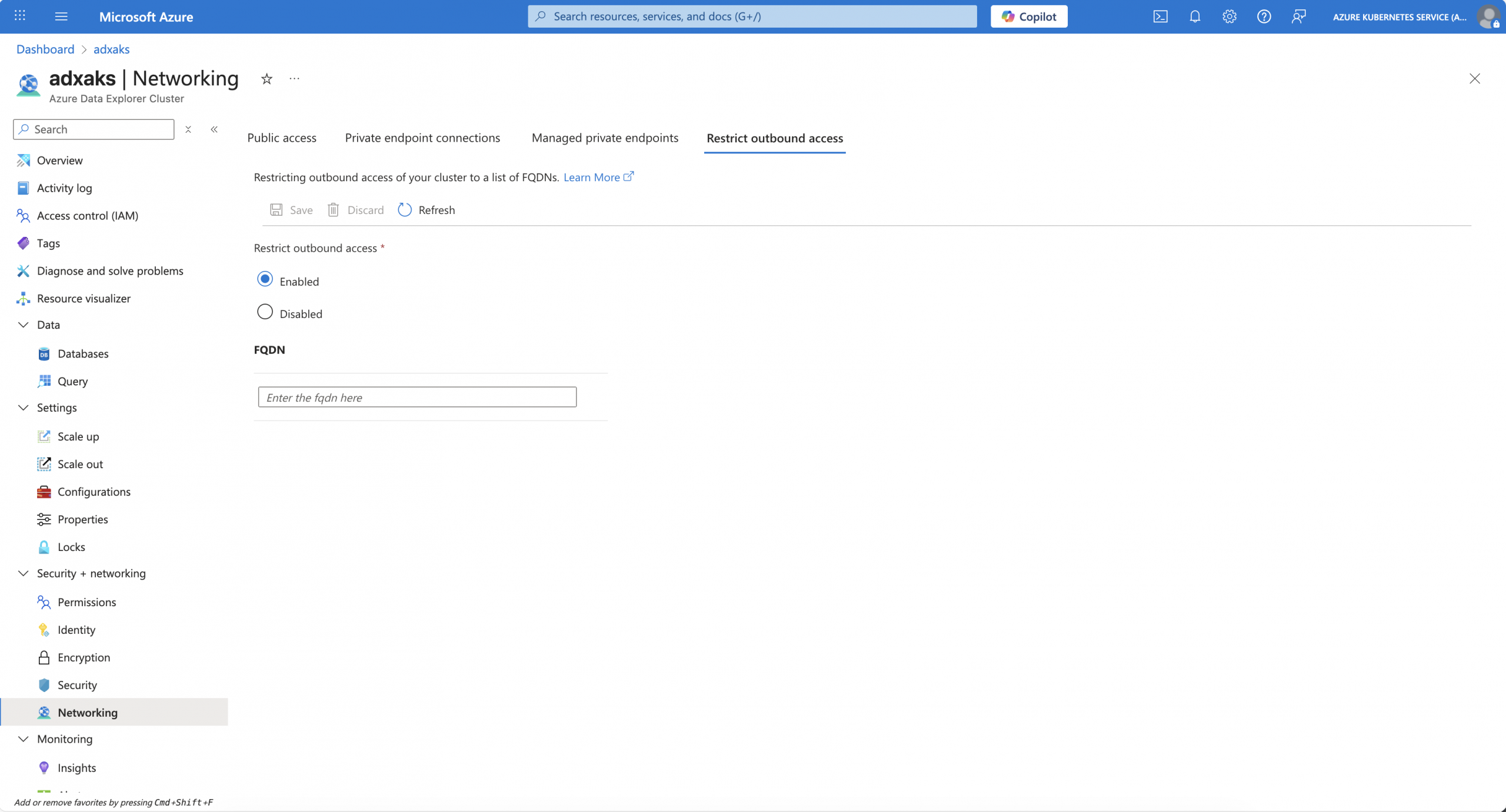
For any future external data source, if we want to use it, we have to add the FQDN for it, making it accessible for the Azure Data Explorer cluster.
Restrict inbound access
Managing public network access for an Azure Data Explorer cluster is a critical component during the initial setup of an Azure Data Explorer cluster. By default, an Azure Data Explorer cluster can be reached from everywhere. As mentioned at the beginning, we focus on managing public network access instead of turning it off and only using private endpoints.
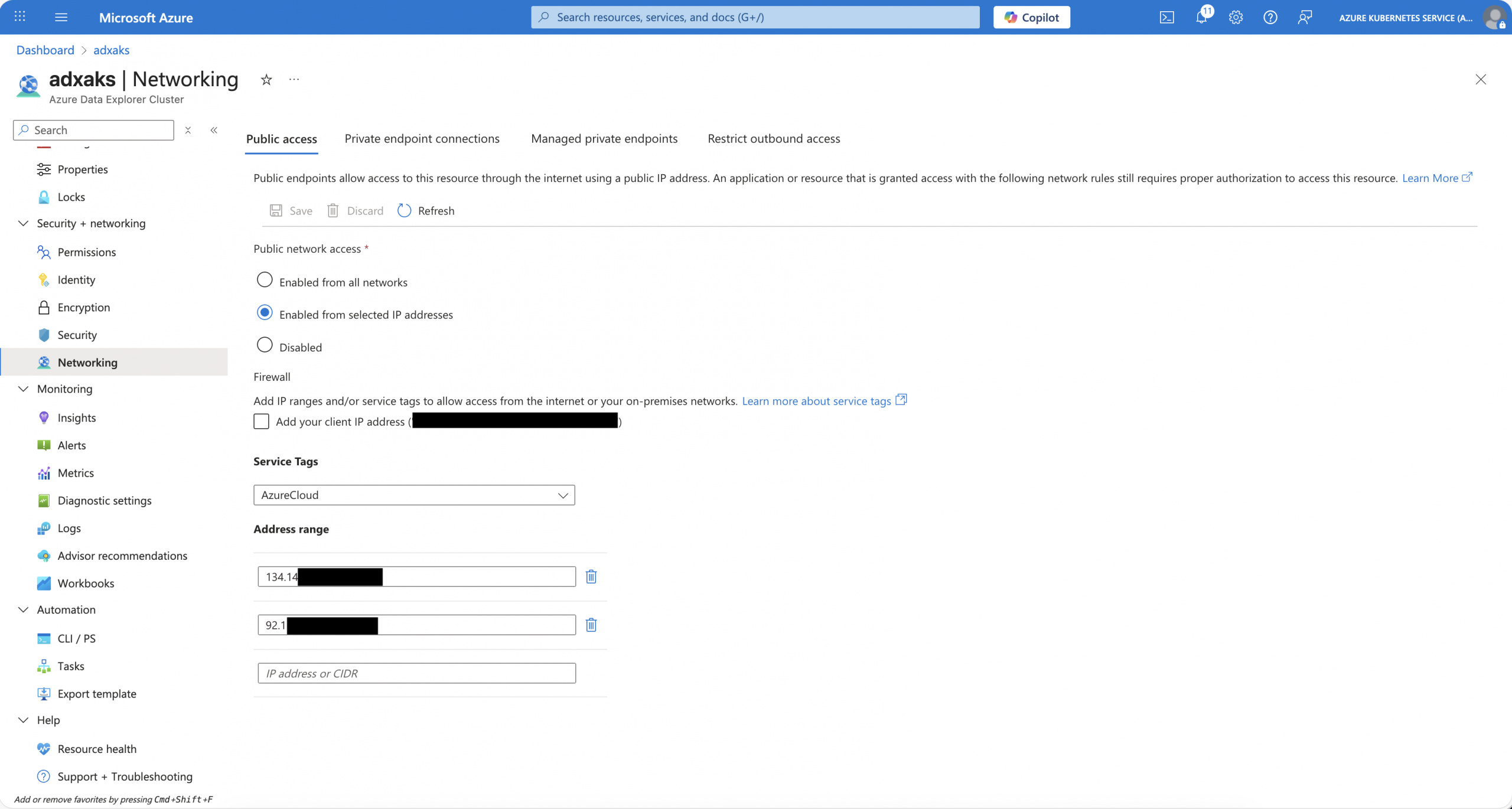
In the example below, inbound access is only allowed from the Azure Kubernetes Service cluster, where I am running for log ingestion, and from my home to run KQL queries.
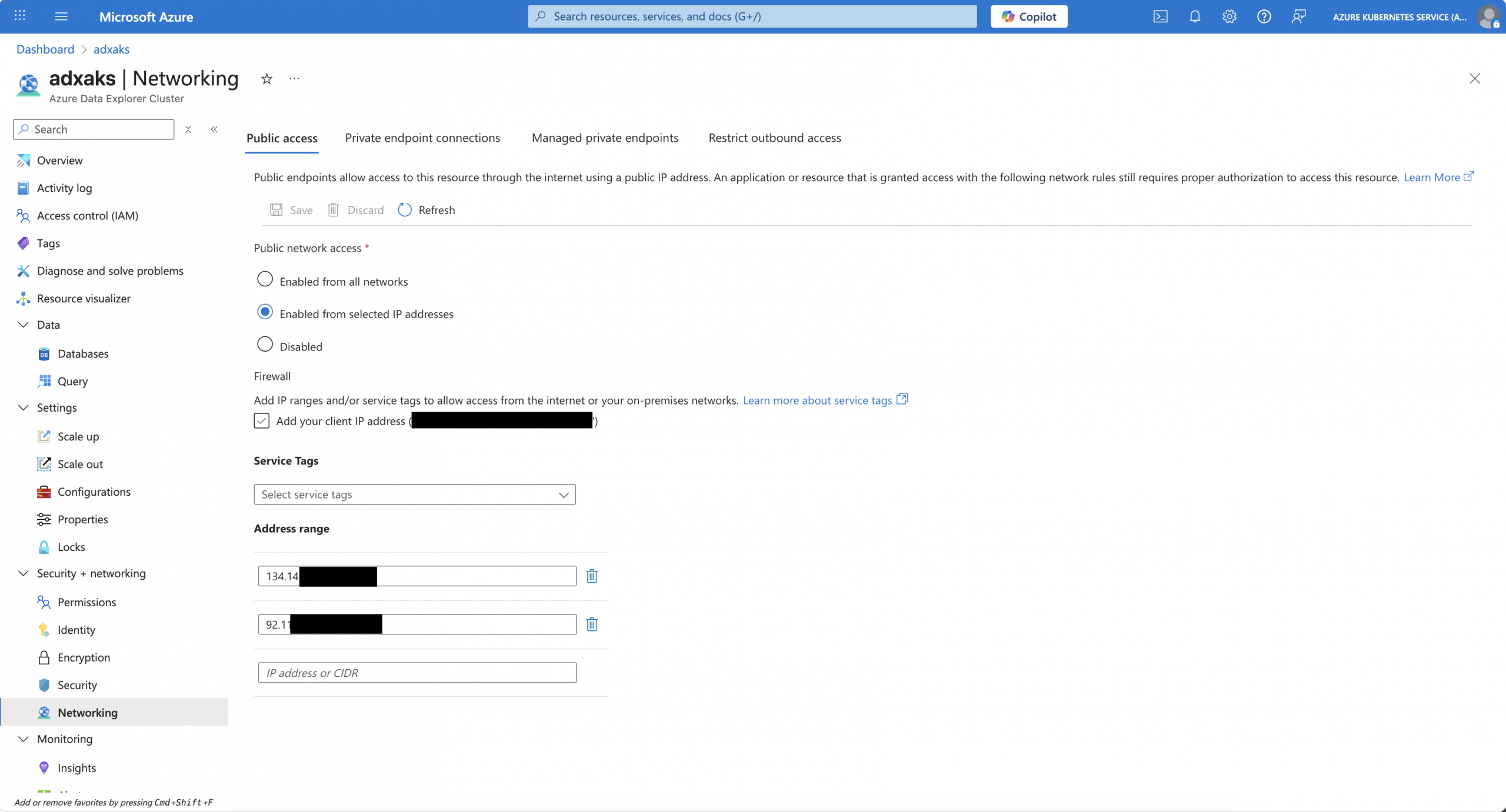
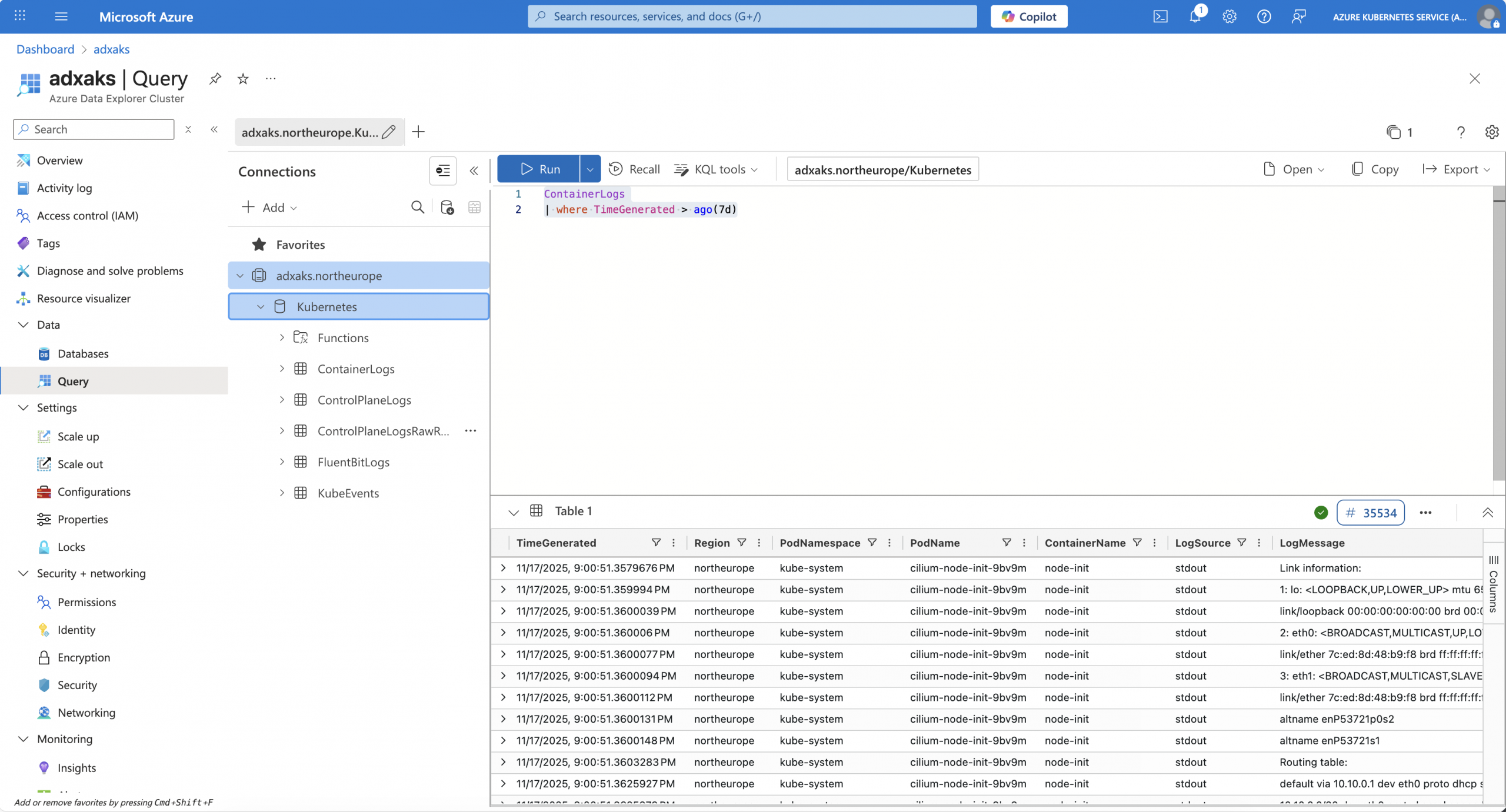
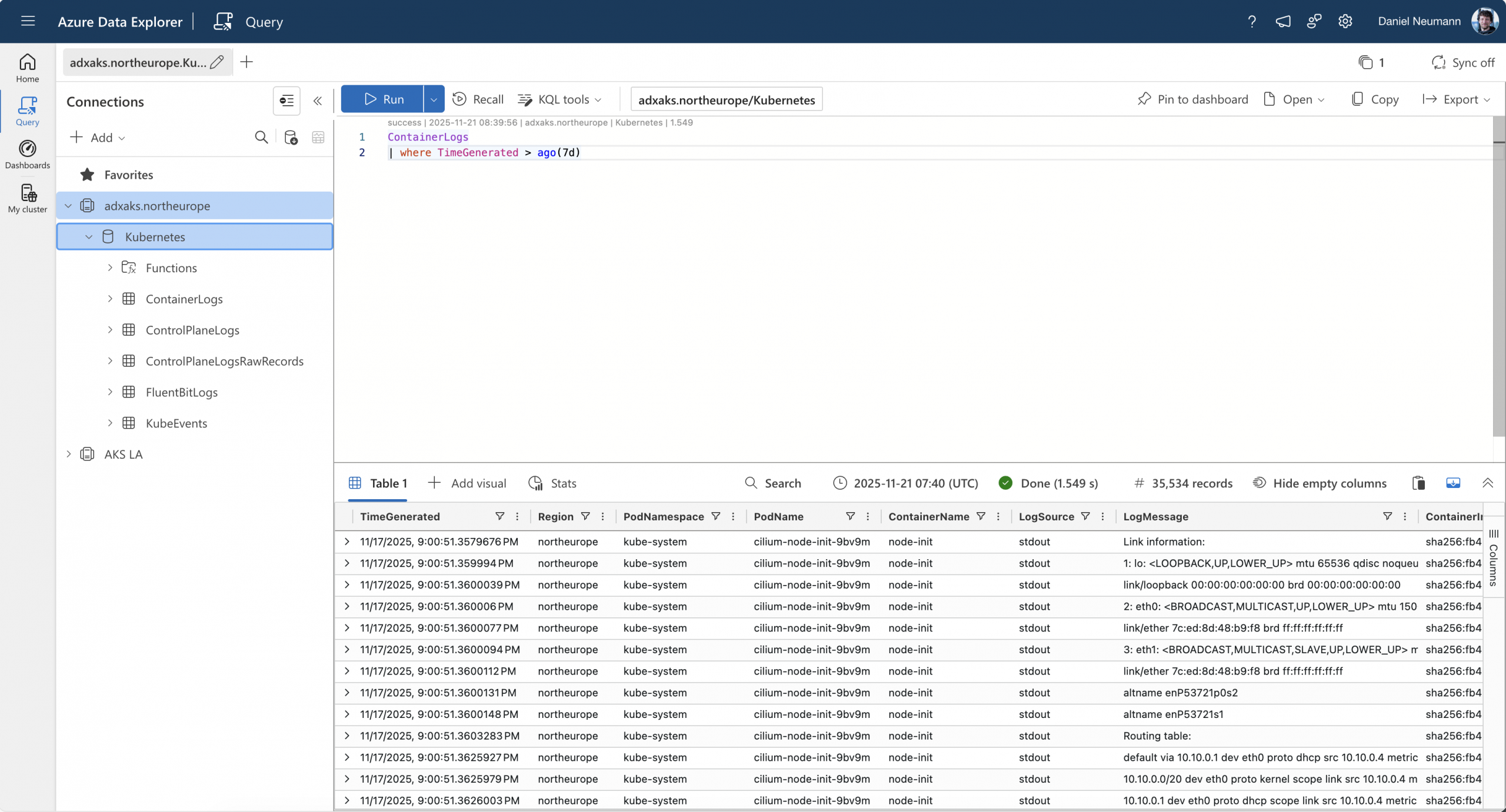
When I do not add my home to the allowlist, I can still manage the Azure Data Explorer cluster; however, I cannot run any KQL queries. They will run into a network error.
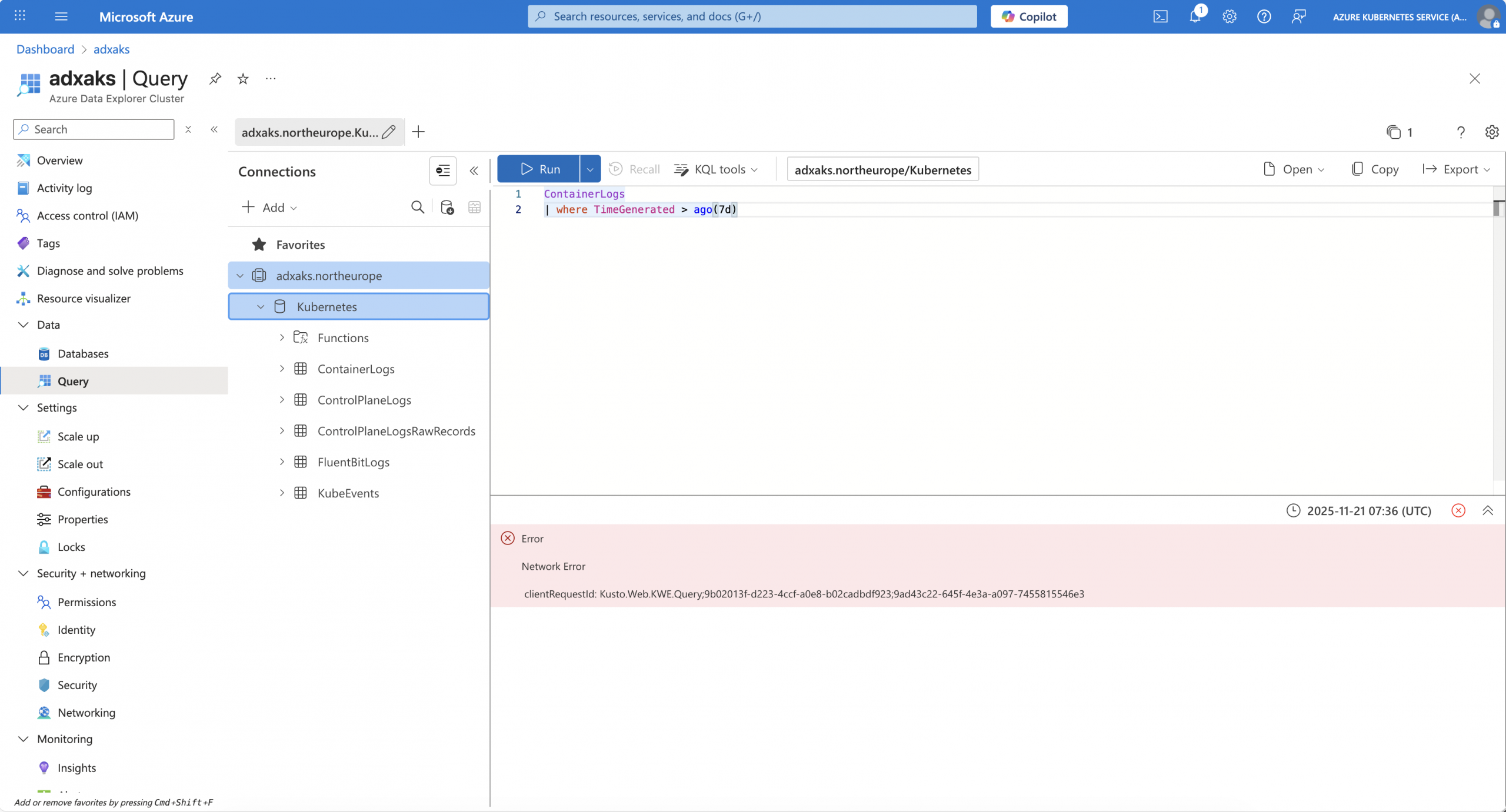
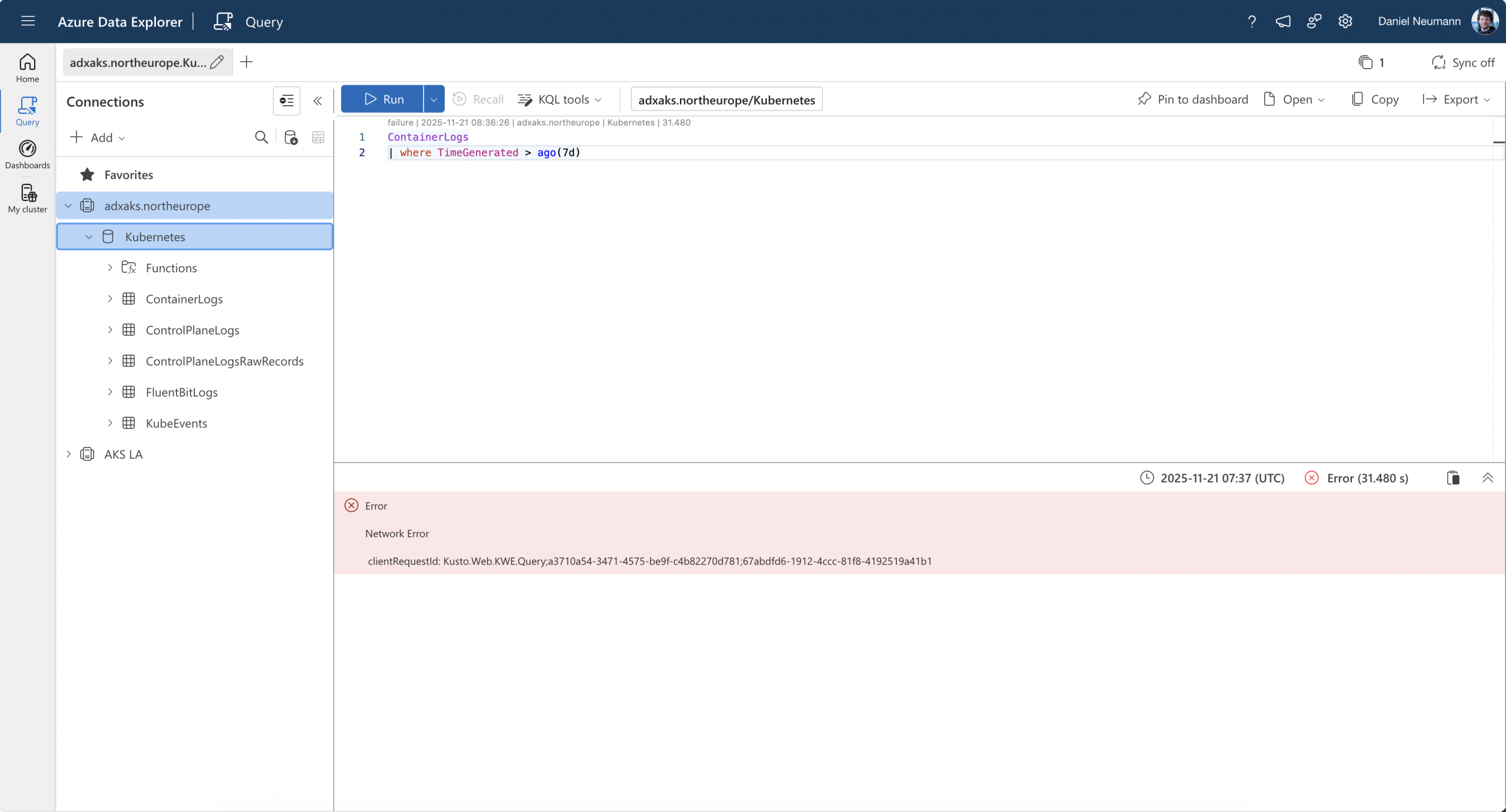
So far so good. By managing the public network access, we increased the security of our Azure Data Explorer cluster; on the other hand, we cut off two features that cannot be used anymore with Azure Data Explorer. Let us have a look at a tradeoff to re-enable those two features.
Log alerts and cross-service access
When putting inbound network restrictions into place, we cut off Azure log alerts and the cross-service access to an Azure Data Explorer cluster, like running KQL queries from Log Analytics against Azure Data Explorer.
Unfortunately, we have to open up the public network access to the whole Azure IP range by using the AzureCloud service tag. There is, as of writing the blog post, no service tag available that contains either the IP ranges for log alerts or for the cross-service access part. AzureMonitor as a service tag can only be used for outbound access and not inbound, as stated in the Azure documentation.
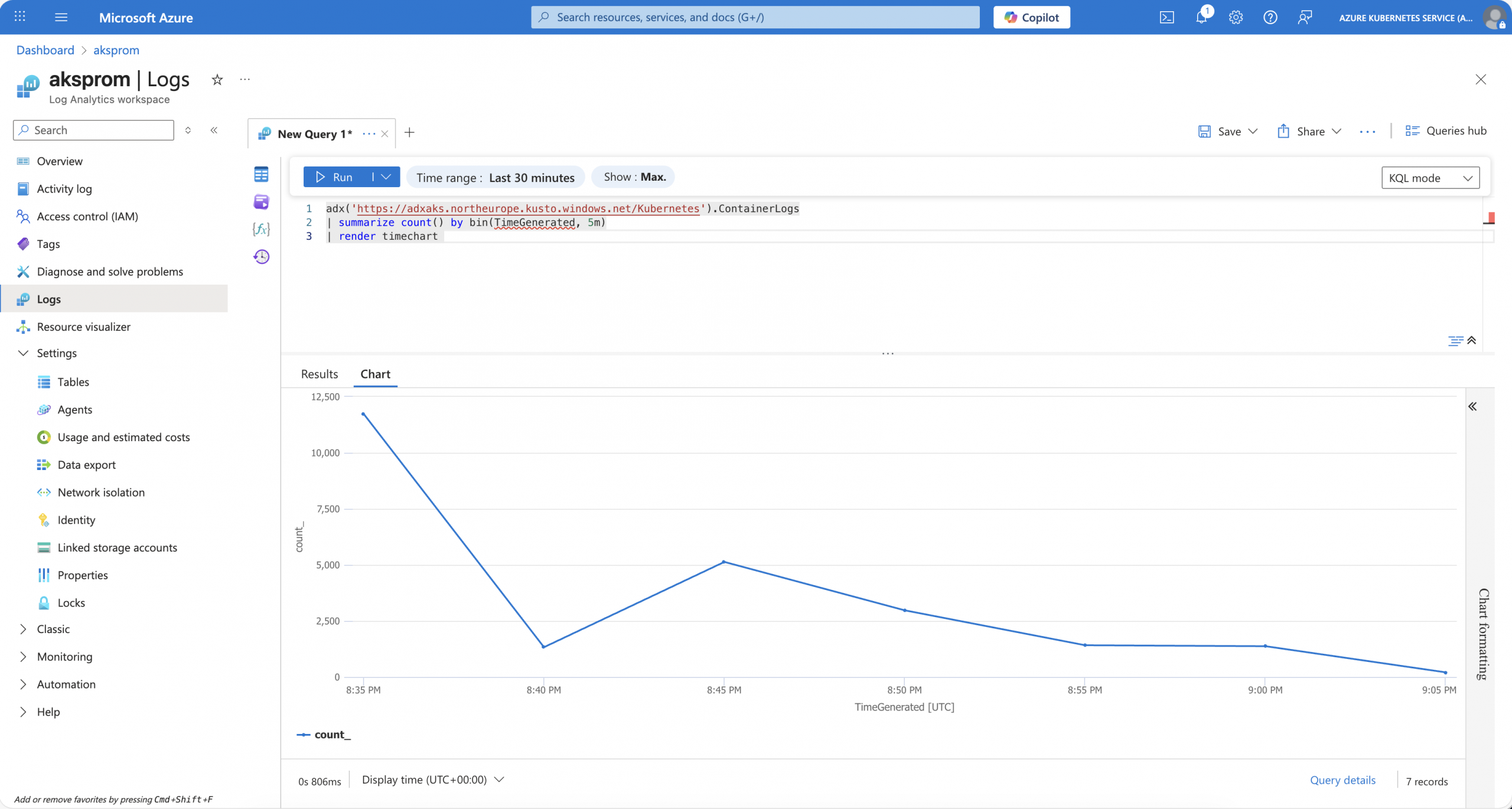
Using the AzureCloud service tag enables Azure log alerts again; however, it also enables the cross-service access that puts a loophole into inbound access network restrictions due to containing all Azure IP ranges. Hence, you might not be allowed due to the public network access setting to query the Azure Data Explorer cluster via the Azure portal or the Azure Data Explorer portal. But as the cross-service access works, you just need an Azure Log Analytics workspace, the Azure Data Explorer cluster URL, the database name, and the table to run via the adx() function a cross-service query that bypasses the inbound network access restrictions. Presupposed that you have the permissions to query the Azure Data Explorer resources.
Summary
Increasing the network security of an Azure Data Explorer cluster does not always require the switch to the private endpoint feature. You can manage the public network access in a granular way. However, you might open up the access again to allow certain features to work, like the Azure log alerts. Even though you must add the AzureCloud service tag, it is better to restrict the public network access in that way instead of keeping the default setting.
Outbound restrictions are straightforward and should always be enabled on an Azure Data Explorer cluster.